GPU CLOUD
GPU compute. Built around your workload.
Explore accelerated hardware for model training, inference and creative workloads.
Find your next GPU.
Compare the hardware. Discuss the configuration that fits your project.
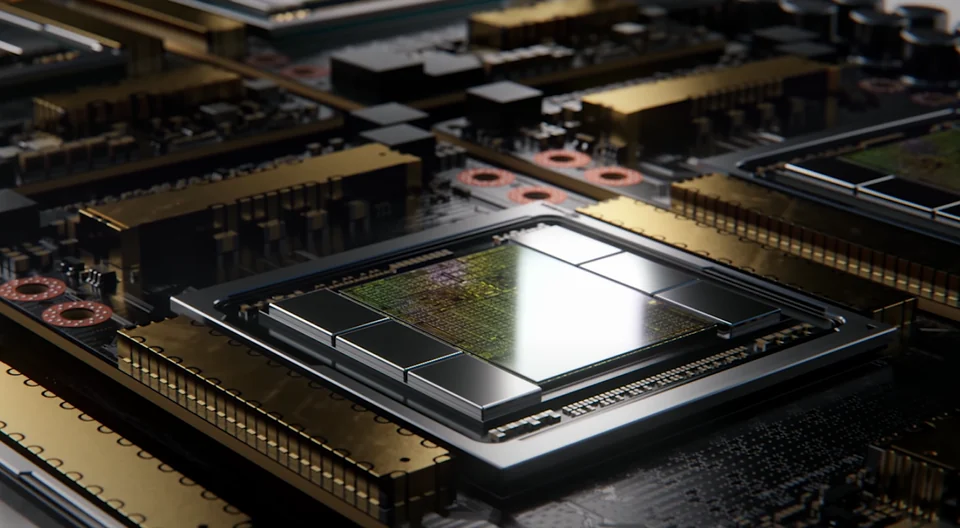
A100 SXM
Request pricingA versatile foundation for model development and scientific computing.
Explore A100 SXM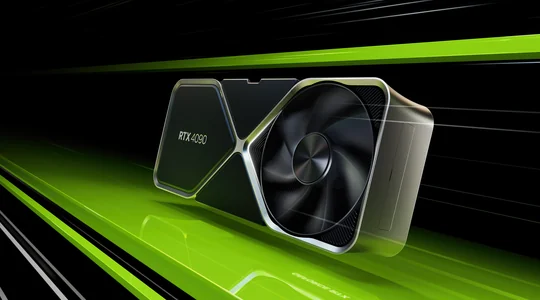
RTX 4090
Request pricingExplore GPU acceleration for image generation and 3D rendering.
Explore RTX 4090From the GPU to the whole system.
Explore multi-GPU platforms, PCIe accelerators and complete servers.
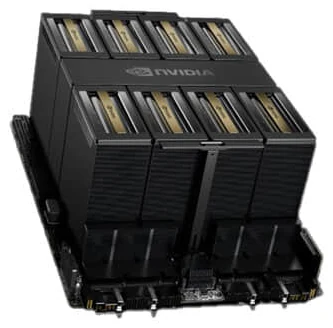
Multi-GPU platform
NVIDIA HGX Blackwell
Explore Blackwell-based HGX systems for large-model training and inference. Plan GPU memory, interconnects, power and cooling around the complete workload.
Explore this platform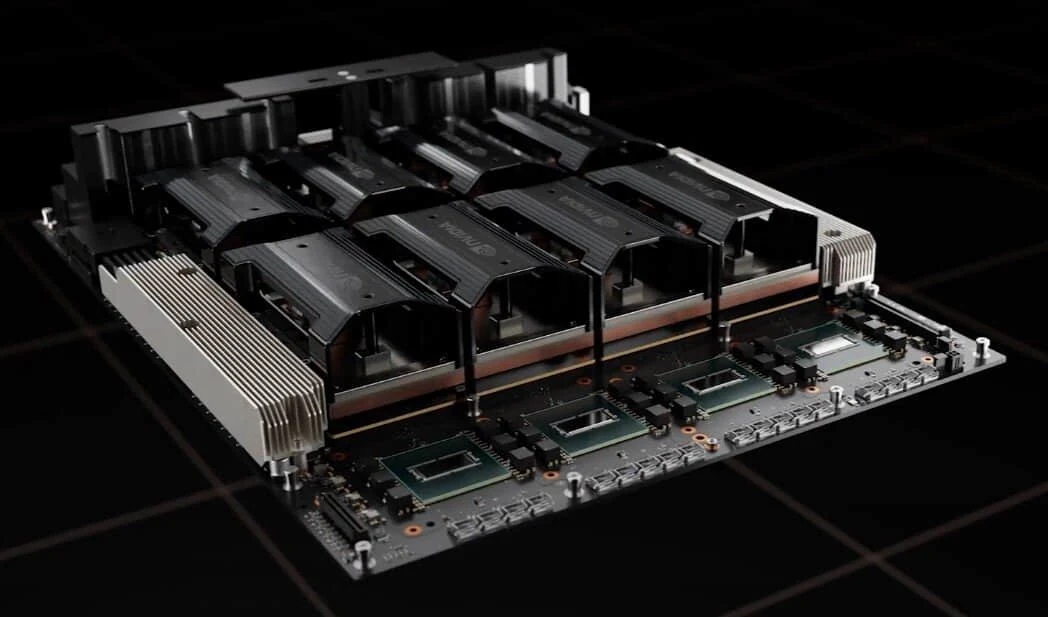
Multi-GPU platform
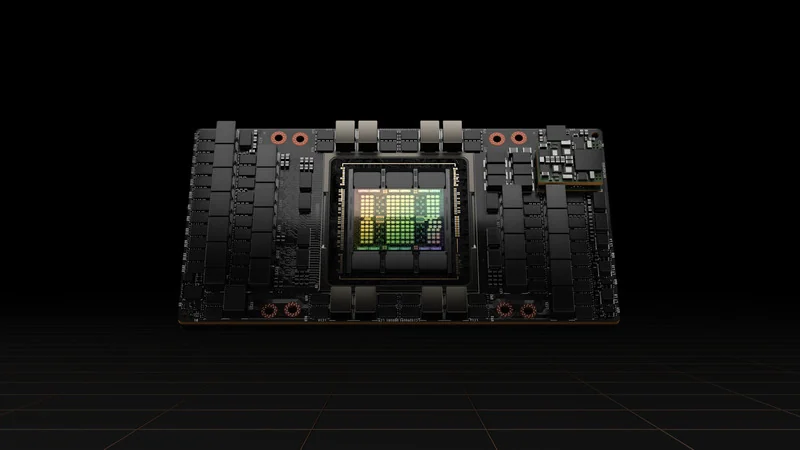
NVIDIA HGX Hopper
A connected multi-GPU platform for demanding AI workloads. Discuss Hopper GPU options, the application’s communication requirements and the supporting server resources.
Explore this platform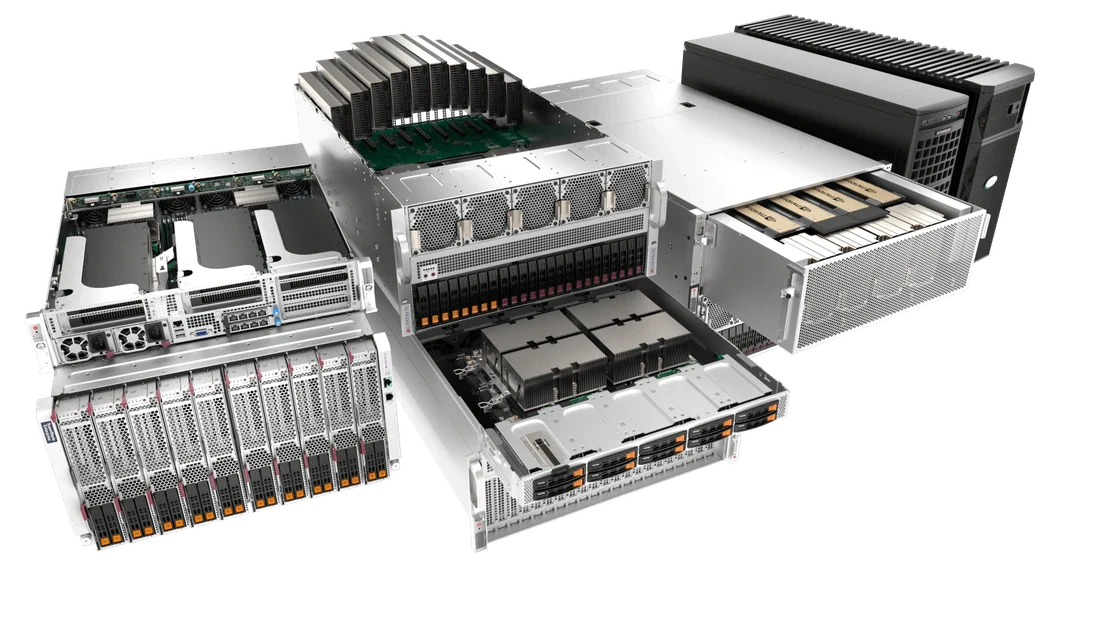
GPU server family
Supermicro L40S systems
Explore Supermicro systems designed around NVIDIA L40S for inference, model fine-tuning, rendering and video workloads. Match the server format and GPU count to your application.
Explore this platformA straightforward way to get started.
Make the requirements clear before making a commitment.
Xanpath COMPUTEConfiguration illustration
A place for your next idea.
Start with the workload. Shape the infrastructure around it.
AI trainingNVIDIA H100 · Large-model workloads
GPUModel developmentNVIDIA A100 · Experiment and iterate
GPUData preparationCPU compute · Prepare your next run
CPUDescribe the workload
Share your application, model or rendering workflow.
Shape the configuration
Discuss GPU, CPU, memory, storage and location.
Review your proposal
Check the scope, commercial terms and next steps.
Your workloadThe starting point
Your environmentOS, drivers and frameworks
Your proposalConfiguration and terms
Include your operating system, driver, container and access requirements in the compute brief. Platform support is confirmed for the proposed configuration.
Plan for your next workload. And the one after it.
Compute that fits your geography.
Where your data lives matters. So do the people and applications that need to reach it.
Tell us your preferred region, latency targets and data residency requirements. We’ll use them to scope your infrastructure enquiry.
Discuss locations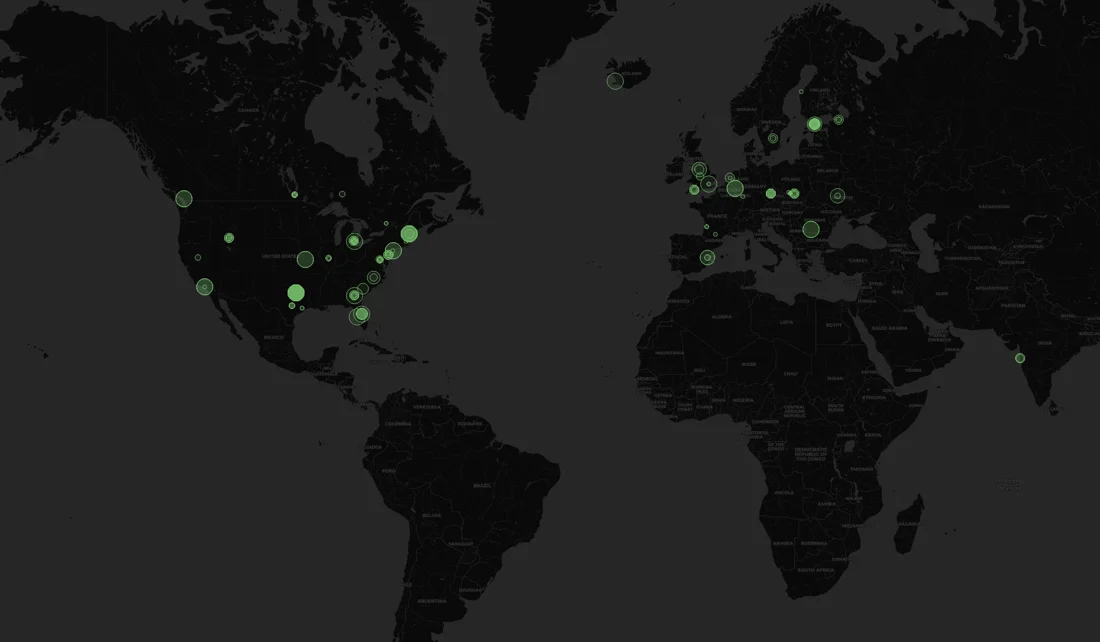
A workflow you can build around.
Your infrastructure should work with the tools your team already uses.
Share your environment, provisioning workflow and integration requirements. We’ll help you identify what your deployment needs before you commit.
Explore integration requirements# A starting point for your compute brief
workload: language-model-inference
accelerator: nvidia-h100
memory: discuss-with-xanpath
environment: pytorch
region: your-preferred-location
next_step: request-a-proposalMake reliability part of the plan.
A GPU is one part of your infrastructure. Power, networking, access control and maintenance all deserve the same attention.
Discuss your availability targets, backup responsibilities and support needs with us. The agreed service conditions belong in your proposal.
Security & reliability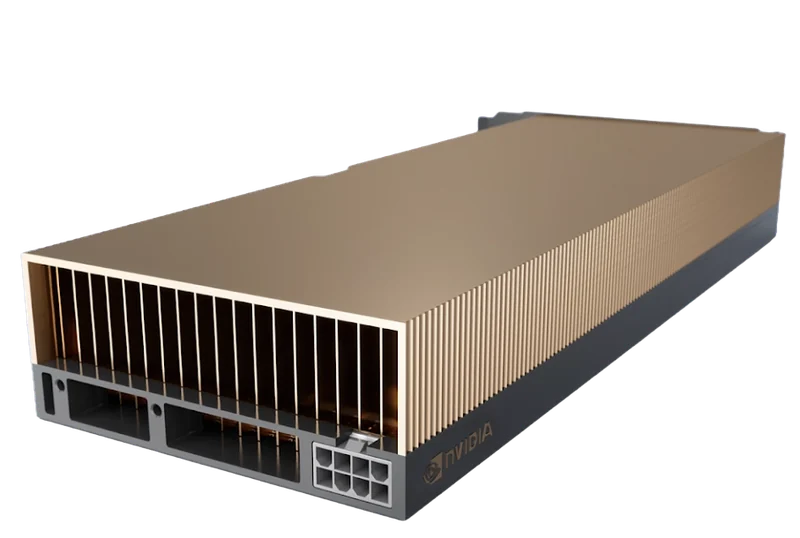
A configuration that fits. A quote you can review.
Discuss the complete setup: hardware, resources, location and duration.
| GPU model | Memory | Pricing |
|---|---|---|
| NVIDIA H100 SXM | 80 GB HBM3 | Request a quote |
| NVIDIA A100 SXM 80GB | 80 GB HBM2e | Request a quote |
| NVIDIA GeForce RTX 4090 | 24 GB GDDR6X | Request a quote |
| Resource | What to include in your brief | Commercial terms |
|---|---|---|
| CPU | Core count, architecture and expected utilization | Quoted for your configuration |
| System memory | Dataset size, working set and headroom | Quoted for your configuration |
| Storage | Capacity, throughput and persistence requirements | Quoted for your configuration |
| Network | Region, bandwidth and data transfer needs | Confirmed in your proposal |
Hardware models are a guide for enquiries. Availability and commercial terms are confirmed individually.
Compare the whole picture.
| Your priority | Compare these details | Next step |
|---|---|---|
| Short experiments | Minimum rental, setup time and storage retention | Describe your experiment |
| Production workloads | Capacity, support, maintenance and recovery | Share your service targets |
| Longer projects | Duration, reserved configuration and total cost | Request a project proposal |
Frequently asked questions
How do I get a proposal?
Tell us what you want to run, your preferred hardware, region and expected duration. Email inquiry@xanthan.com to start the conversation.
What should I consider for security?
Describe your access controls, data sensitivity, backup strategy and compliance requirements. Review these with us before selecting a configuration. Explore security considerations.
How are prices determined?
A useful quote includes the GPU, CPU, memory, storage, network and rental duration. Contact us for a proposal based on your specific workload.
Which GPU should I choose?
Start with model size, memory requirements, software compatibility and workload duration. Our GPU sizing guide can help you prepare an enquiry.
Big ideas take many forms.
Training · Fine-tuning · EvaluationWorkload spotlightFrom an experiment
AI development
From an experiment
to your next model.
Plan your training environment around dataset size, memory needs and the time available for each experiment. Start with a configuration you can evaluate against your own workload.
Illustrative use casePlan a similar projectImage generation · Creative pipelinesWorkload spotlightMake room for
Generative AI
Make room for
your imagination.
Image generation brings together models, creative tooling and repeatable pipelines. Balance GPU memory with iteration speed, and include CPU and storage needs in your plan.
Illustrative use casePlan a similar projectResearch · Simulation · Data analysisWorkload spotlightMore room
Scientific computing
More room
for discovery.
Shape a compute brief around your simulation, research code and dataset. Consider precision requirements, checkpoint storage and reproducibility alongside GPU choice.
Illustrative use casePlan a similar project3D rendering · VisualizationWorkload spotlightBring your next
Rendering & visualization
Bring your next
scene to life.
Plan for the size of your scenes, the renderer you use and the number of frames you need to deliver. Include software licensing and output storage in the conversation.
Illustrative use casePlan a similar project1 / 4
A clearer path to
serious compute.
Good infrastructure starts with understanding what you want to build. Xanpath brings the conversation back to your workload, your constraints and your next step.
From GPU selection to the wider compute environment, let’s put the details into a practical plan.
GPUAccelerated workloads
CPUSupporting compute
YouThe starting point